
Reinstall a Nest Instance
INFO
To learn about the high availability modes, see High Availability.
Use this when a Nest Instance has to be installed again with the same configuration:
- Its OS or disk is broken
- Its host was swapped for one with the same setup
- Its install failed or got stuck
The Nest needs at least two other joined Nest Instances. A Nest with fewer than three cannot be reinstalled this way.
Reinstall a Nest Instance
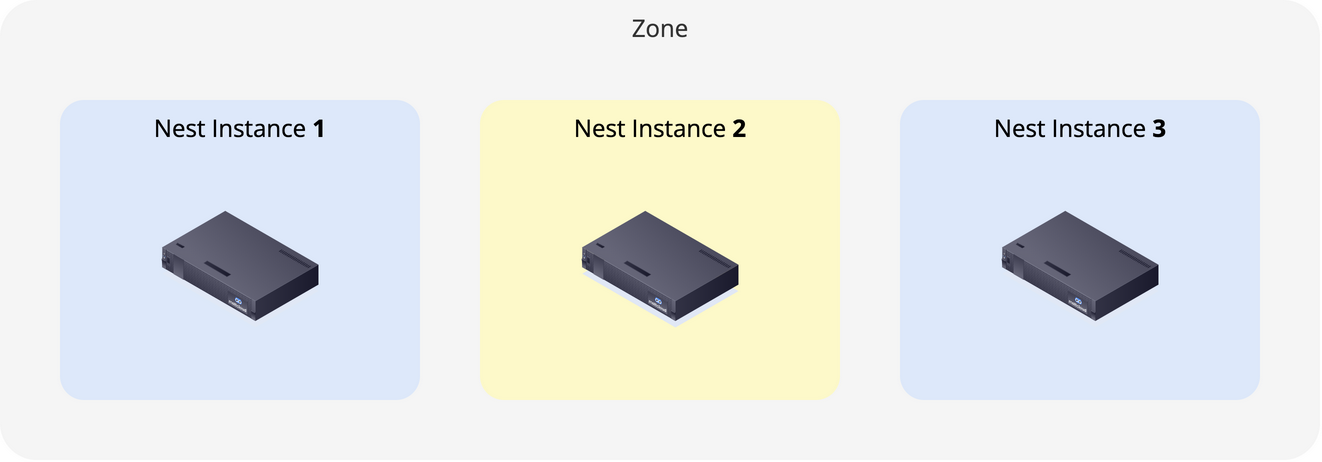
- Reset the Nest Instance. This also works while the instance is down.
Two Nest Instances
At this point, Nest runs with two instances. If you lose another instance, etcd will lose quorum; so keep this time frame short and add the third one ASAP.
- Create an Installer Image for it. An earlier one works too if it has not expired.
- Boot the host from the image and wait until the instance is Ready.
- Rebalance the Foundry, if it is highly available.
To change the instance's Zone, Network Profile, IP or name, see Replace Nest Instances.