
Replace Nest Instances
INFO
To learn about the high availability modes, see High Availability.
In order to replace a Nest Instance, we recommend adding a new one first, and then removing the old one.
Use this to:
- Move the Nest instance to new hardware
- Replace a faulty host with a spare
- Change a Nest Instance's Zone, Network Profile, IP or name, which cannot be changed in place (currently)
Replace Nest Instances
- Scale out: add the new Nest Instances and rebalance.
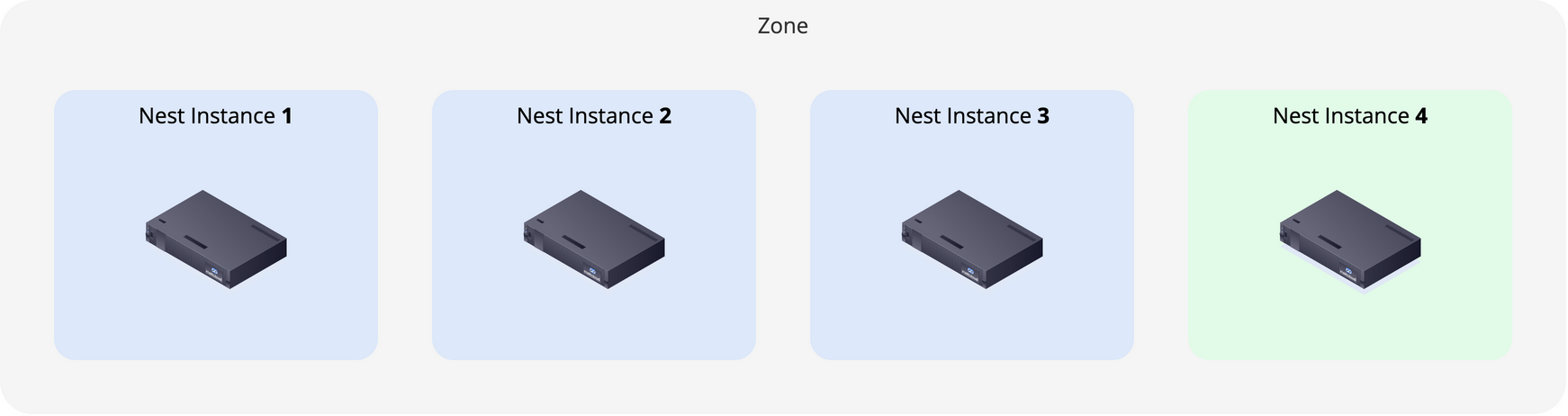
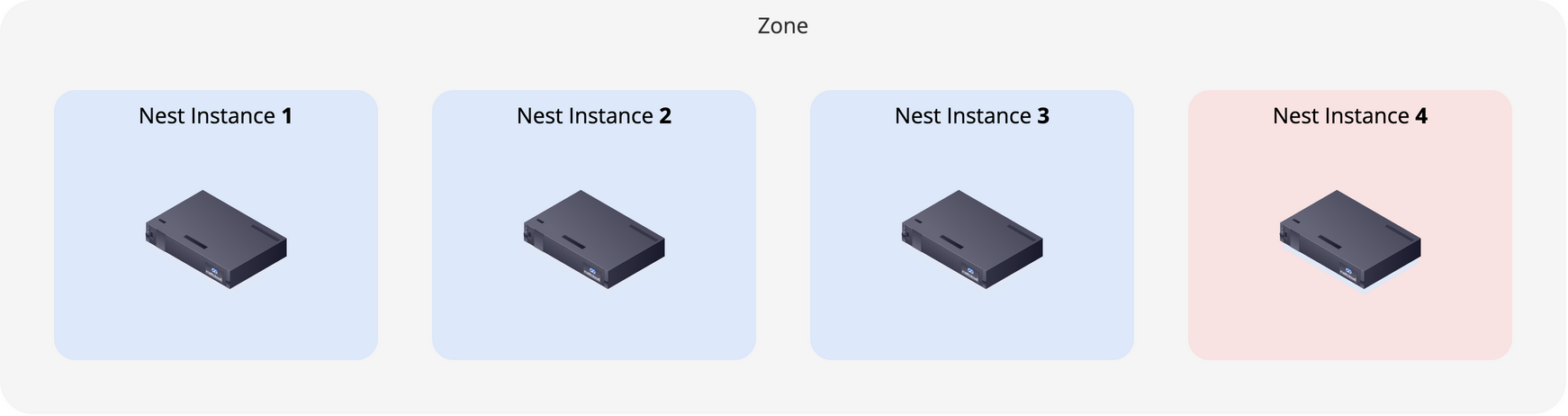
- Scale in: reset, delete and rebalance the old ones, one at a time.
To replace a Nest Instance on the same host, see Reinstall a Nest Instance.