
Scale Out the Nest
INFO
To learn about the high availability modes, see High Availability.
Use this to:
- Go from a single instance Nest to Multi-instance or Multi-zone
- Add capacity to a highly available Nest
From a Single Instance
Once you have installed a single-instance Nest, add two more Nest Instances to achieve High Availability for control planes and Foundry.
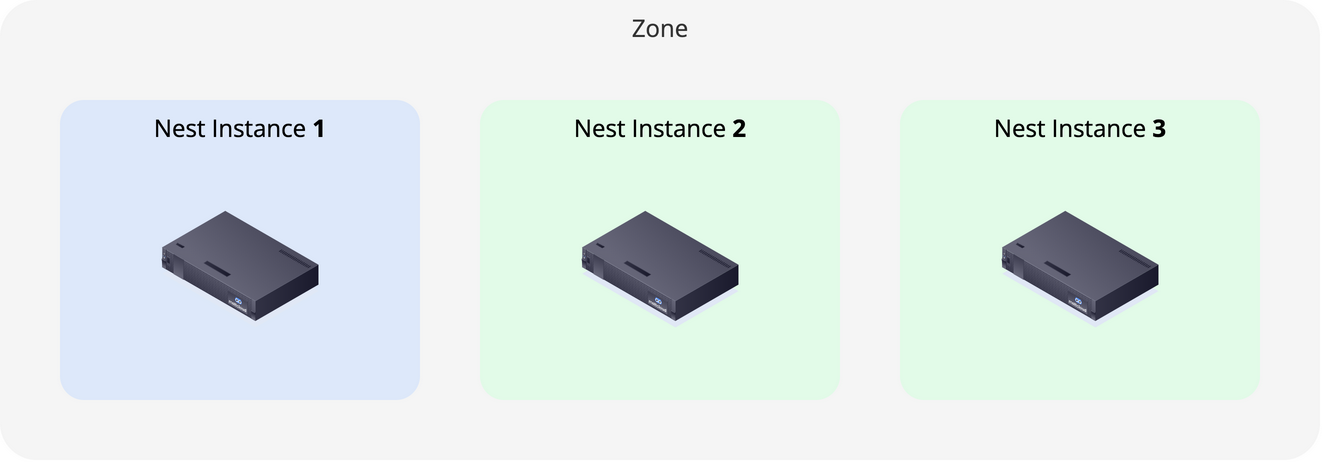
- Create a Nest Instance and wait until it is Ready. For Multi-zone, put each instance in its own Zone.
Two Nest Instances
At this point, Nest runs with two instances. If you lose another instance, etcd will lose quorum; so keep this time frame short and add the third one ASAP.
- Create another Nest Instance and wait until it is Ready.
- Enable high availability on the Foundry.
On a Highly Available Nest
You can add up to 7 Nest Instances to a highly available Nest. This can be used to increase capacity, or temporarily when replacing Nest Instances.
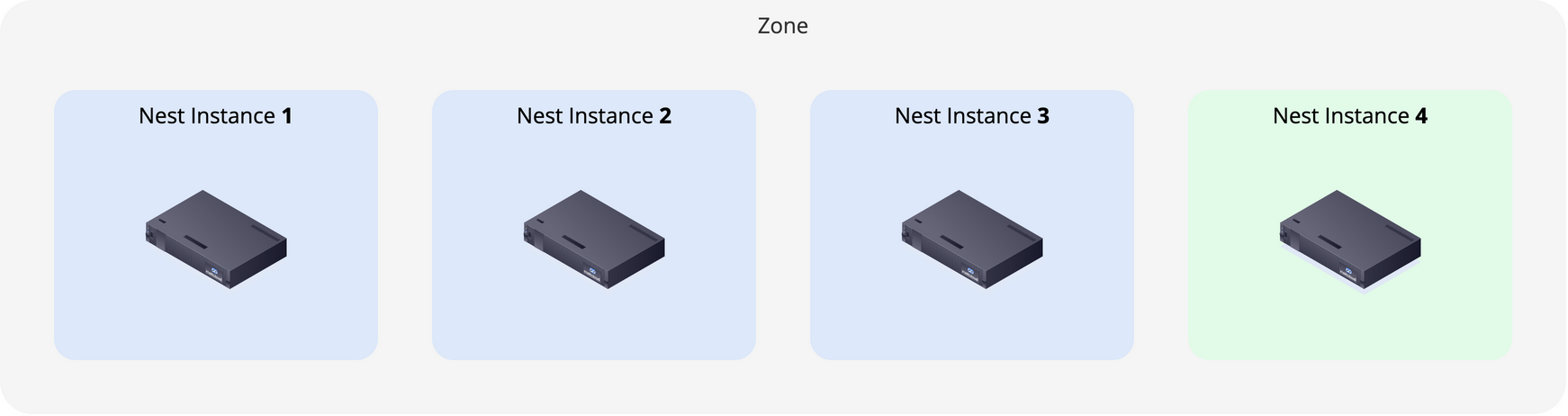
- Create the Nest Instances, one after the other.
- Rebalance the Foundry.